
AT&T Email Design Systems
As Lead Senior Visual Designer at AT&T, I own three CRM email design systems, for Consumer, B2B and FirstNet. I design and maintain each system and its guidelines, implement every module in Knak, keep a record of each module, and create the videos and PDFs that onboard and train designers.
The result: designers build emails 5x faster from approved modules instead of reinventing the wheel, and the agencies we work with now have shorter production times.
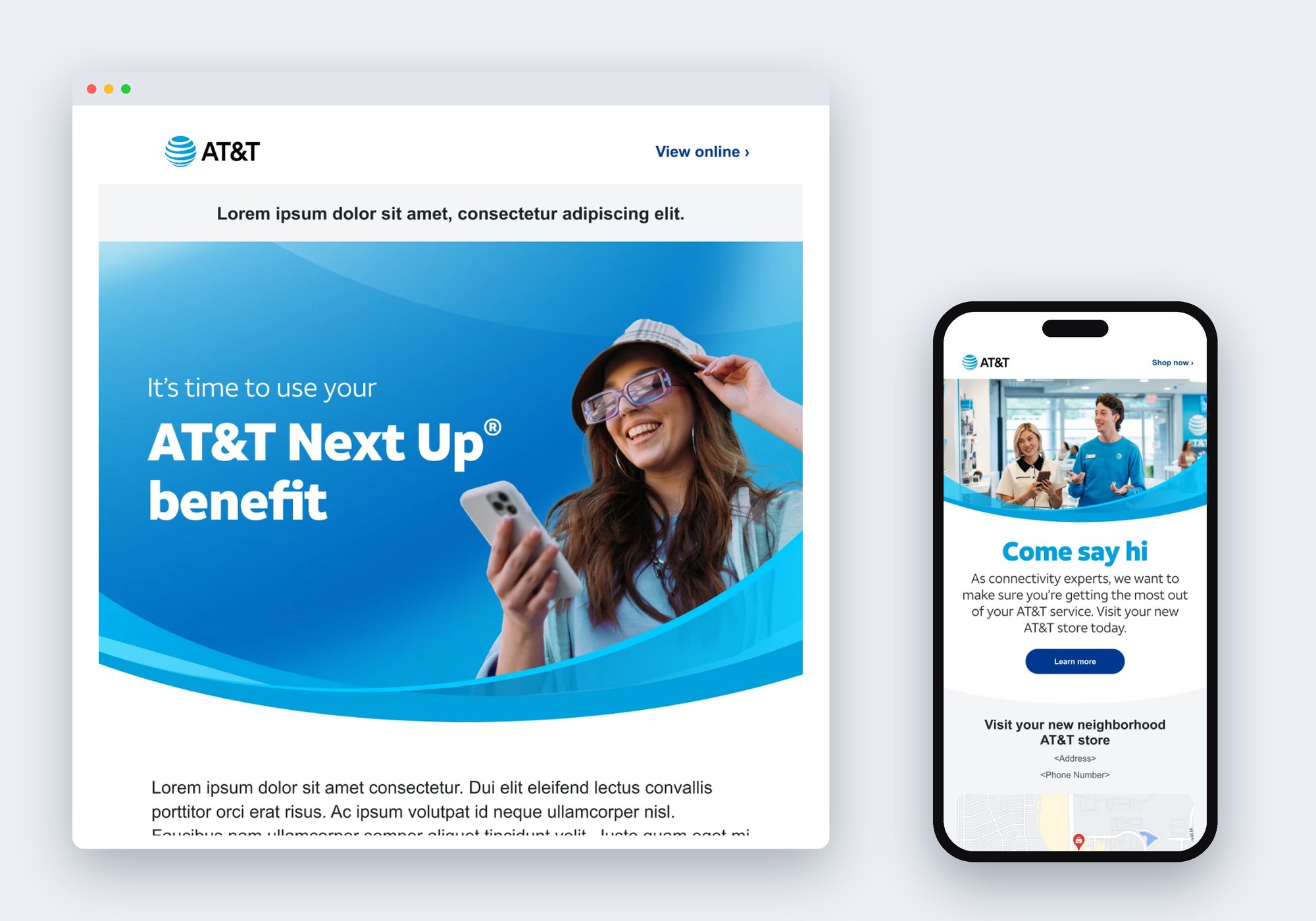
Consumer Email Themes
Themes are complete, ready-to-use email layouts built only from system modules. Each one is designed for desktop and mobile, so a designer can start from a proven layout, swap in the content and send.
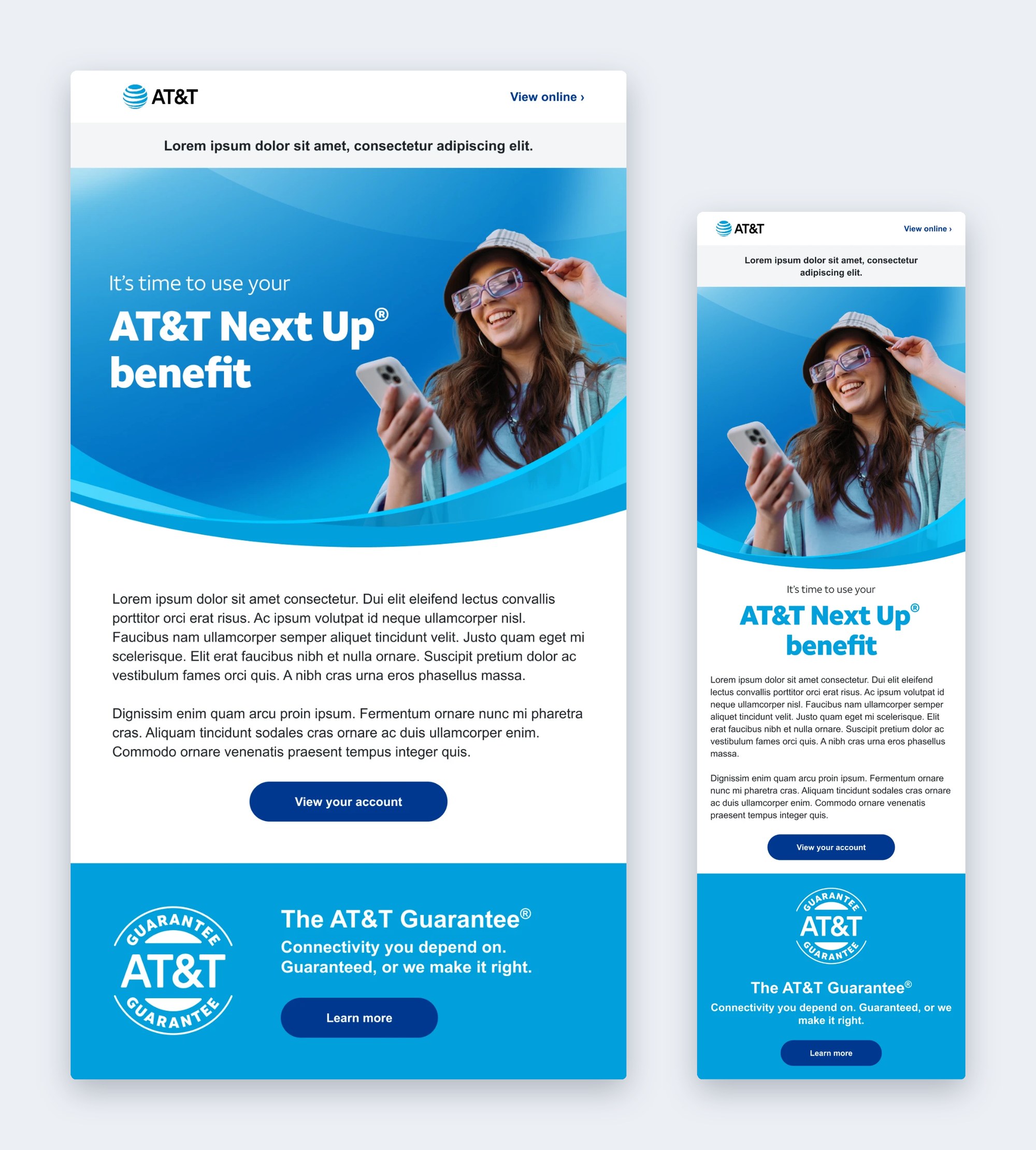
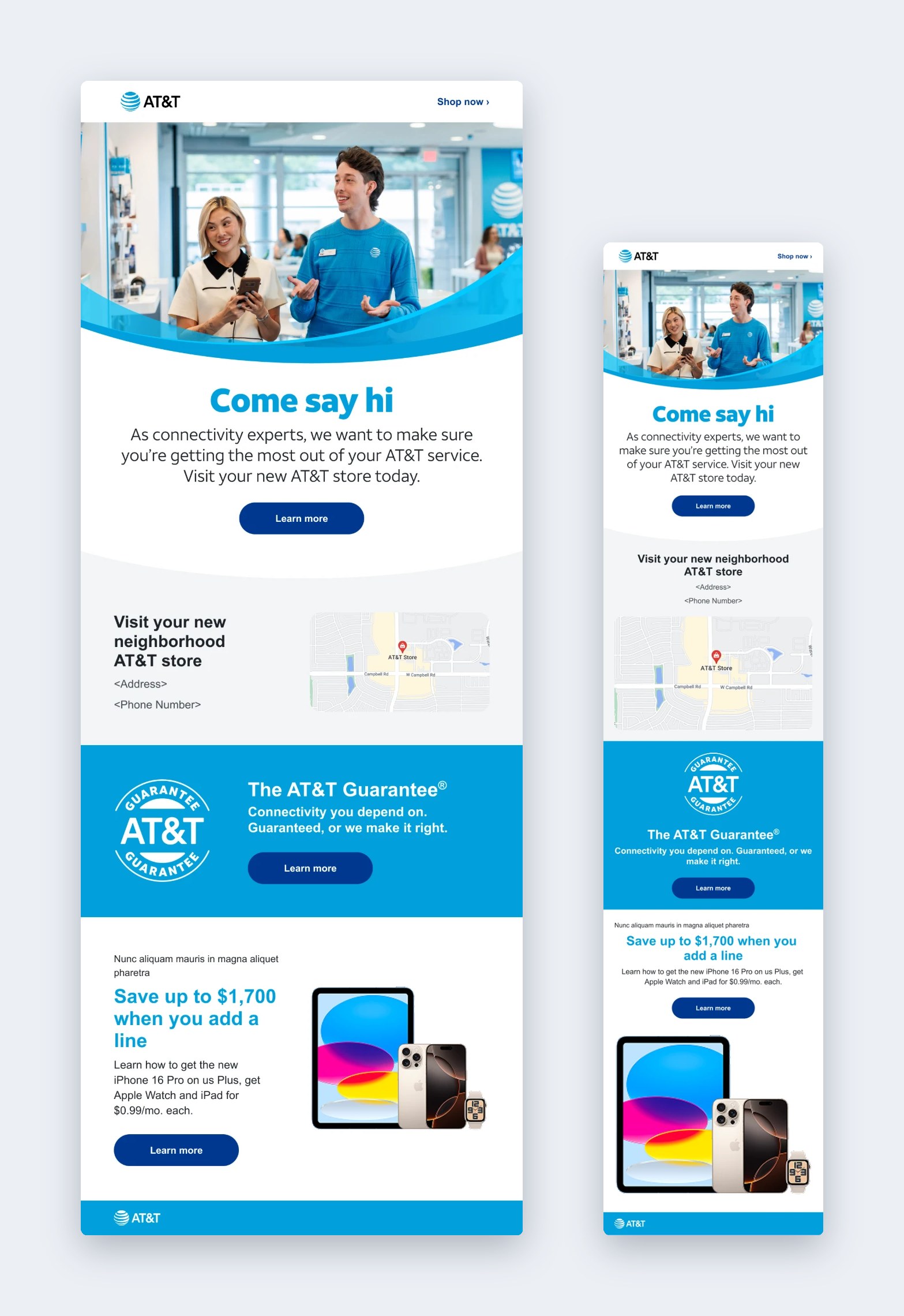
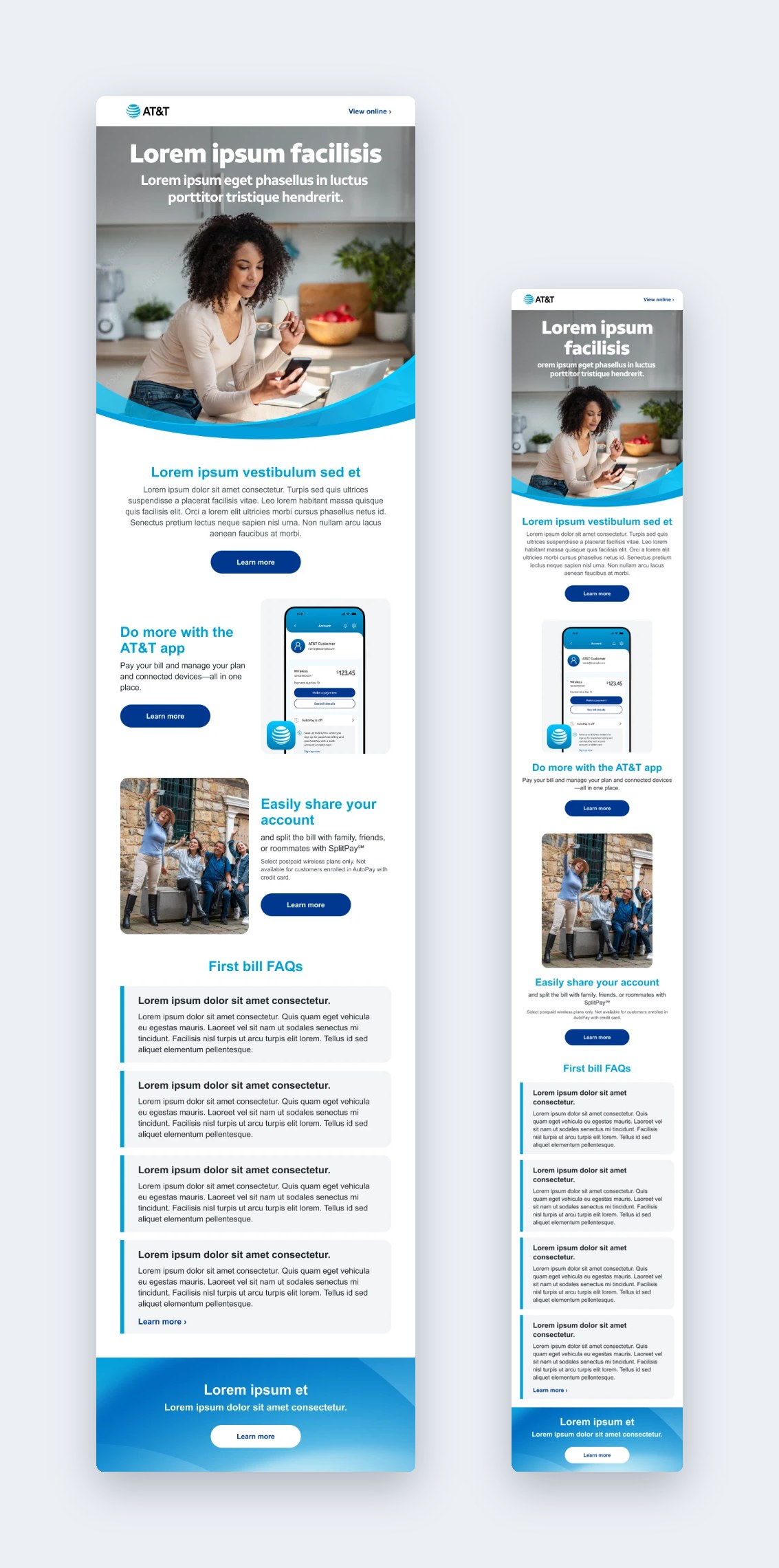
B2B Email Themes
The B2B system follows the same approach for AT&T Business, with denser offer details, legal copy and account-manager modules that business emails need, built from the same kind of modular library.
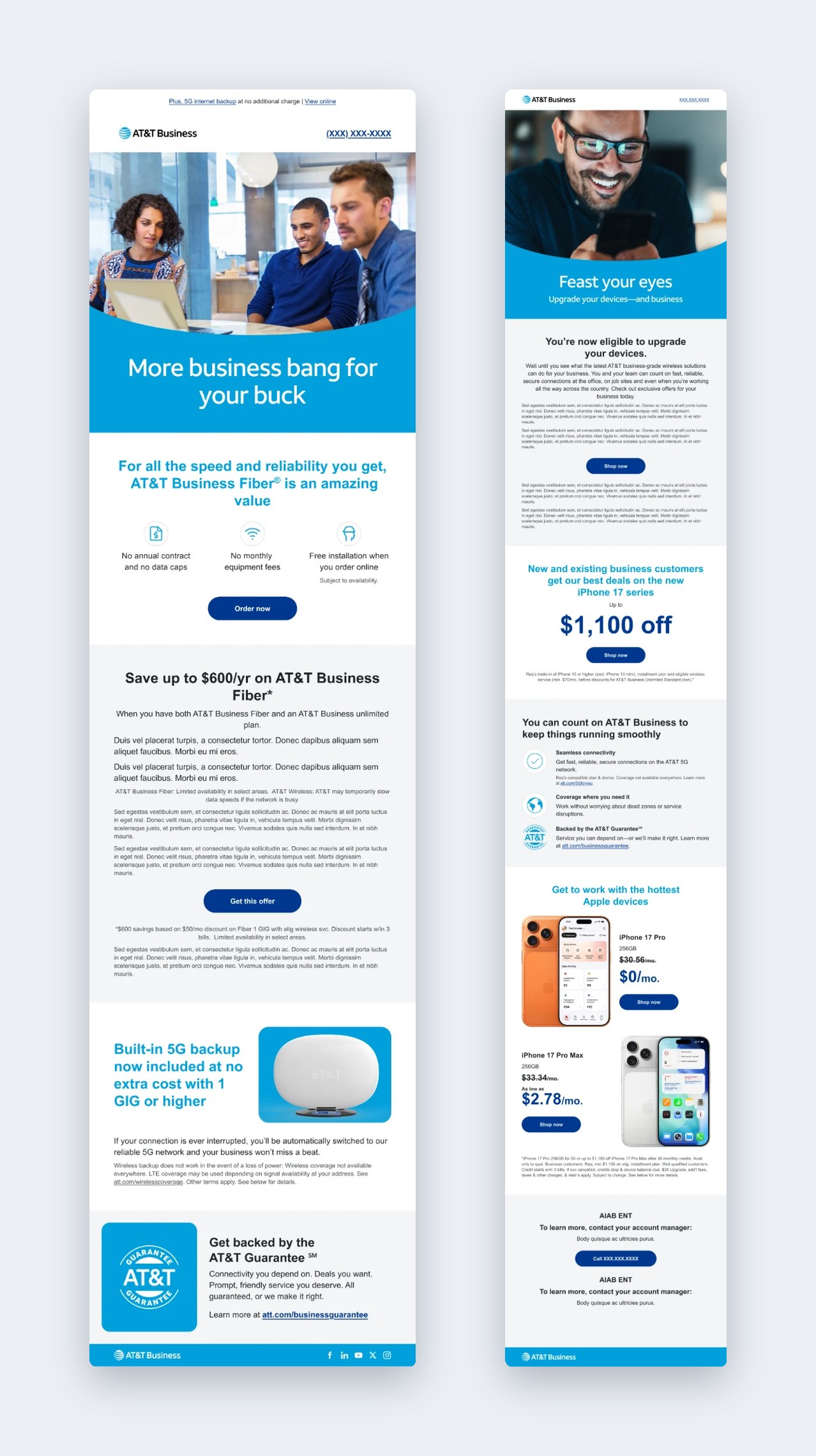
The Module Library
Every theme comes from the same library. Each module is documented with its variations, so designers can pick the right one and know it already follows the system’s type, spacing, color and button rules. I build each module in Knak so it works the same way in production.
Customizable Components
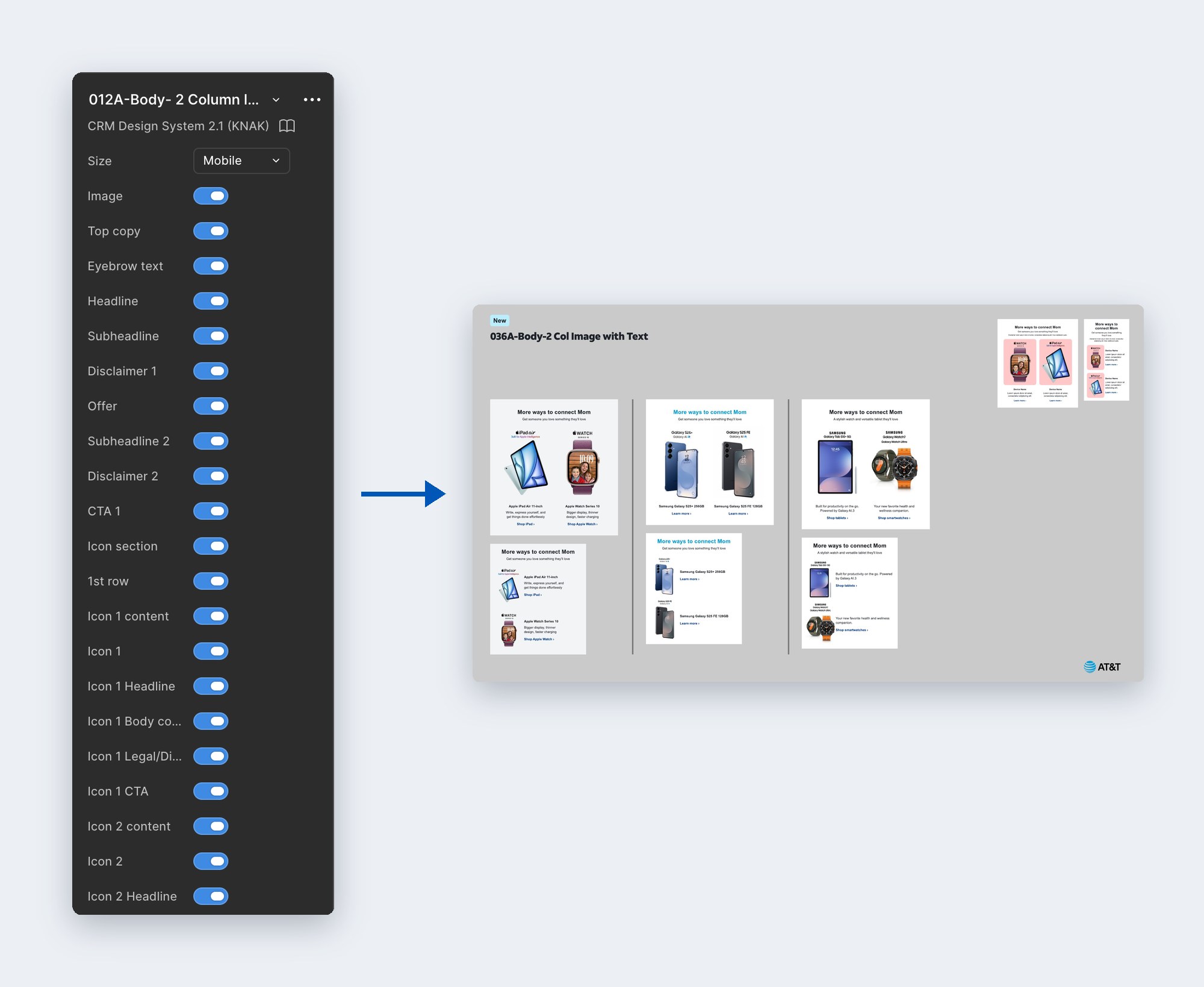
I built each module as a Figma component with properties, so one component covers every variation. A designer picks desktop or mobile and turns parts on or off (the image, eyebrow, headline, subheadline, disclaimers, offer, CTA, even individual icon rows) instead of detaching and redrawing it. The same options are mirrored in the Knak modules, so what a designer sets up in Figma is exactly what gets built in production.
Icons
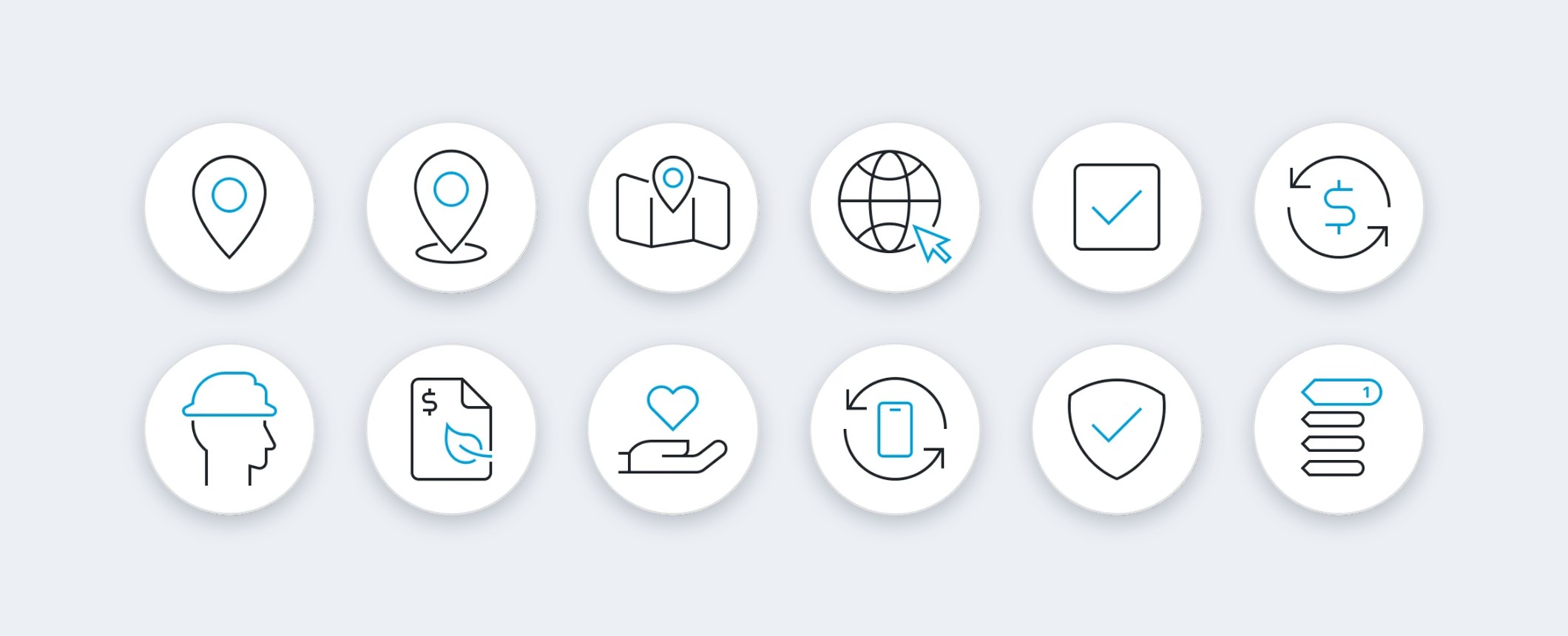
A two-color line icon set in circular containers, so icons stay consistent across modules and work on light and dark backgrounds.
Guidelines That Keep It Consistent
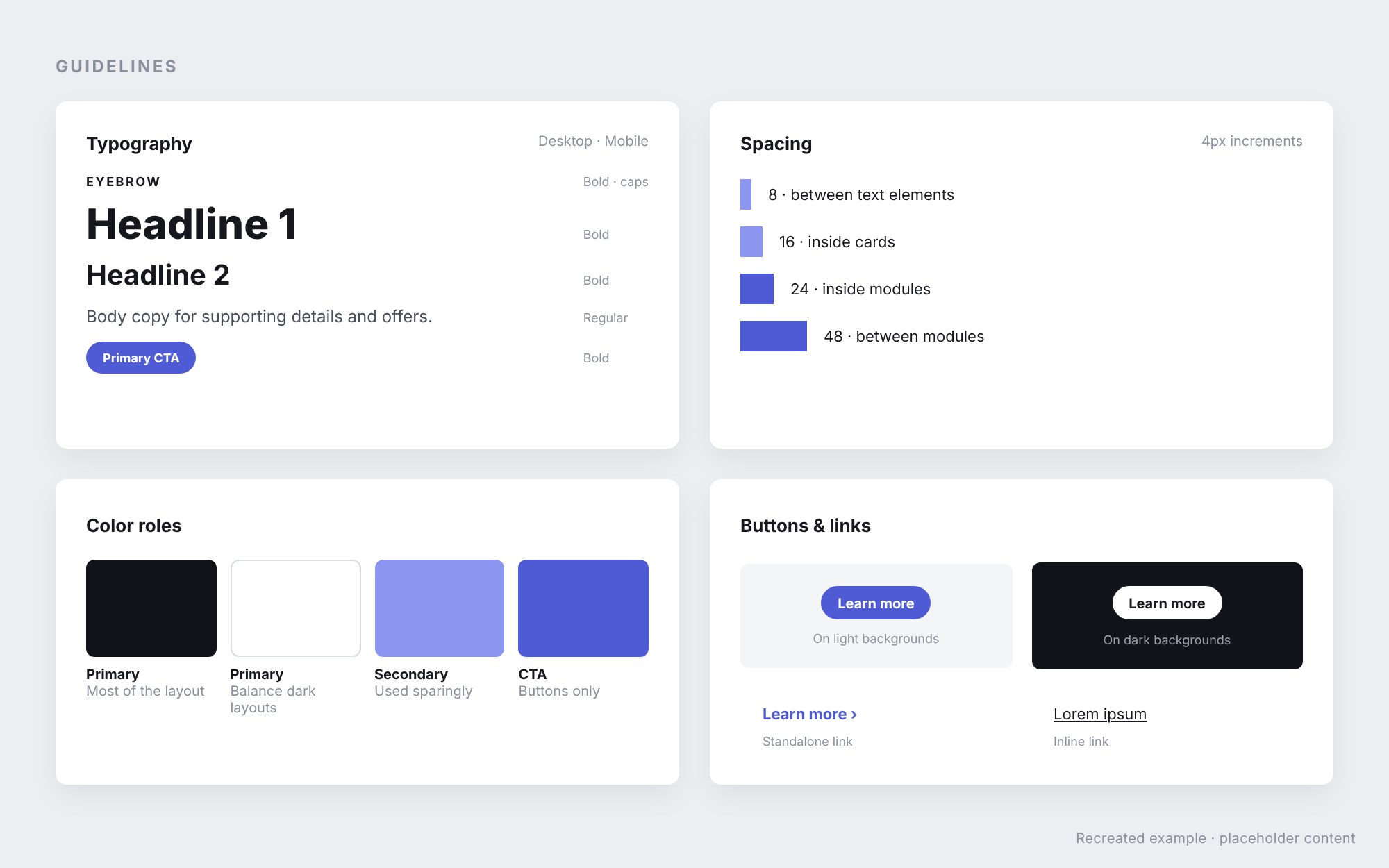
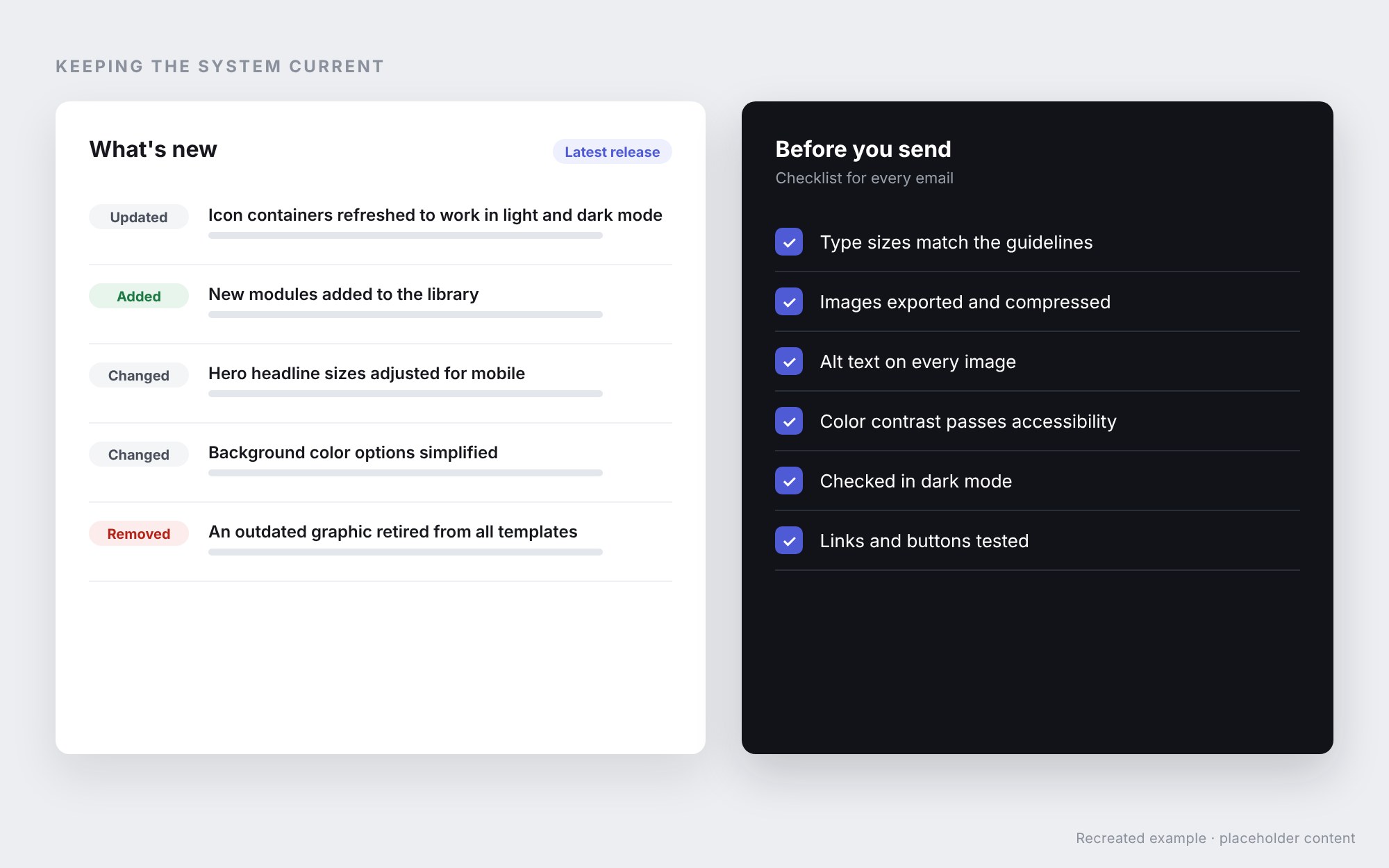
Each system has its own guidelines, from a focused quick guide to a reference of more than 120 pages. They cover color and type for desktop and mobile, spacing in 4px increments, icons for light and dark mode, buttons, heroes, image export, accessibility and complete email examples. Every release documents what’s new, and designers run a checklist before each send.
The guidelines are internal to AT&T, so the visuals below are illustrative recreations.
Onboarding & Training
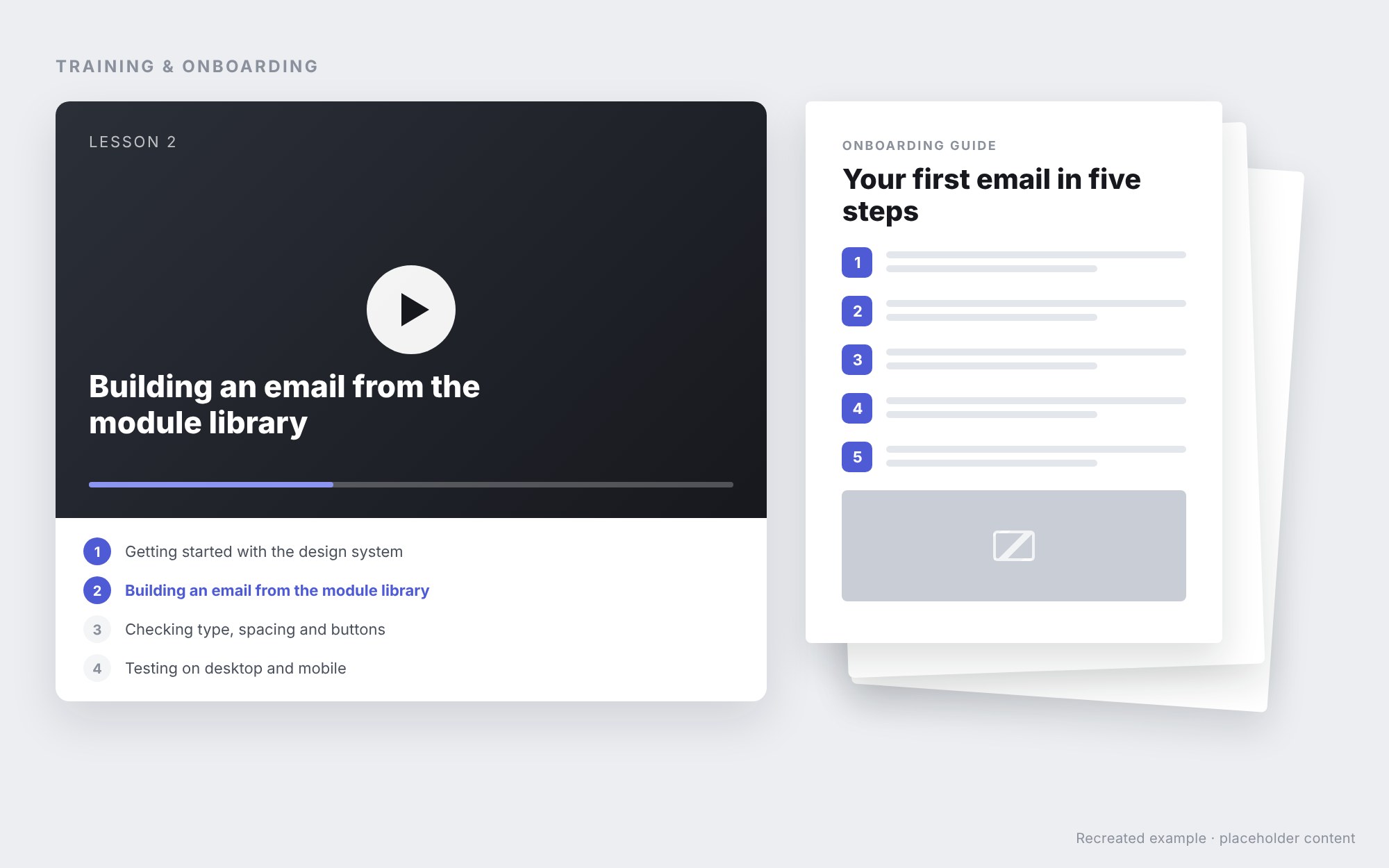
I create training videos and PDFs that walk designers through the modular workflow, from finding the right module in Knak to checking an email before it goes out. That training is what lets new designers and agency partners produce on-brand emails quickly, without starting from scratch.
See more of my email work on Email Development, and my healthcare web design on Teladoc Health.